JogaFlo
Turn your activities into football heatmaps.
How It Works
1
Ball Out – Track Your Activity
When you play football, record your activity with a watch or the Strava app. Upload the activity to the Strava app.

2
Sign in to JogaFlo
Click the orange "Sign In" button in the top right corner to sign in to JogaFlo with your Strava account.
3
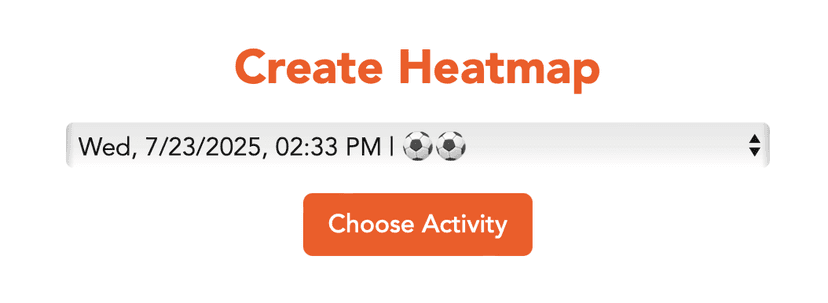
Create a New Heatmap
Select the activity you want to use and click "Create Heatmap".
4
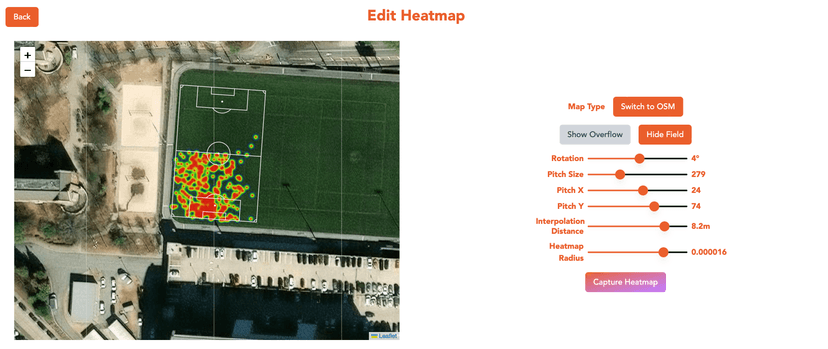
Edit Heatmap
- Toggle satelite and Open Street Map map tiles
- Zoom map in and out
- Show/hide the field overlay
- Show/hide heatmap overflow ouside the field overlay
- Adjust the rotation, position, and size of the field overlay
- Interpolation Distance — granularity of heatmap points
- Heatmap Radius — the radius of each point in the heatmap
5
Save Heatmap
Click "Capture Heatmap" to save the heatmap as a png image.